
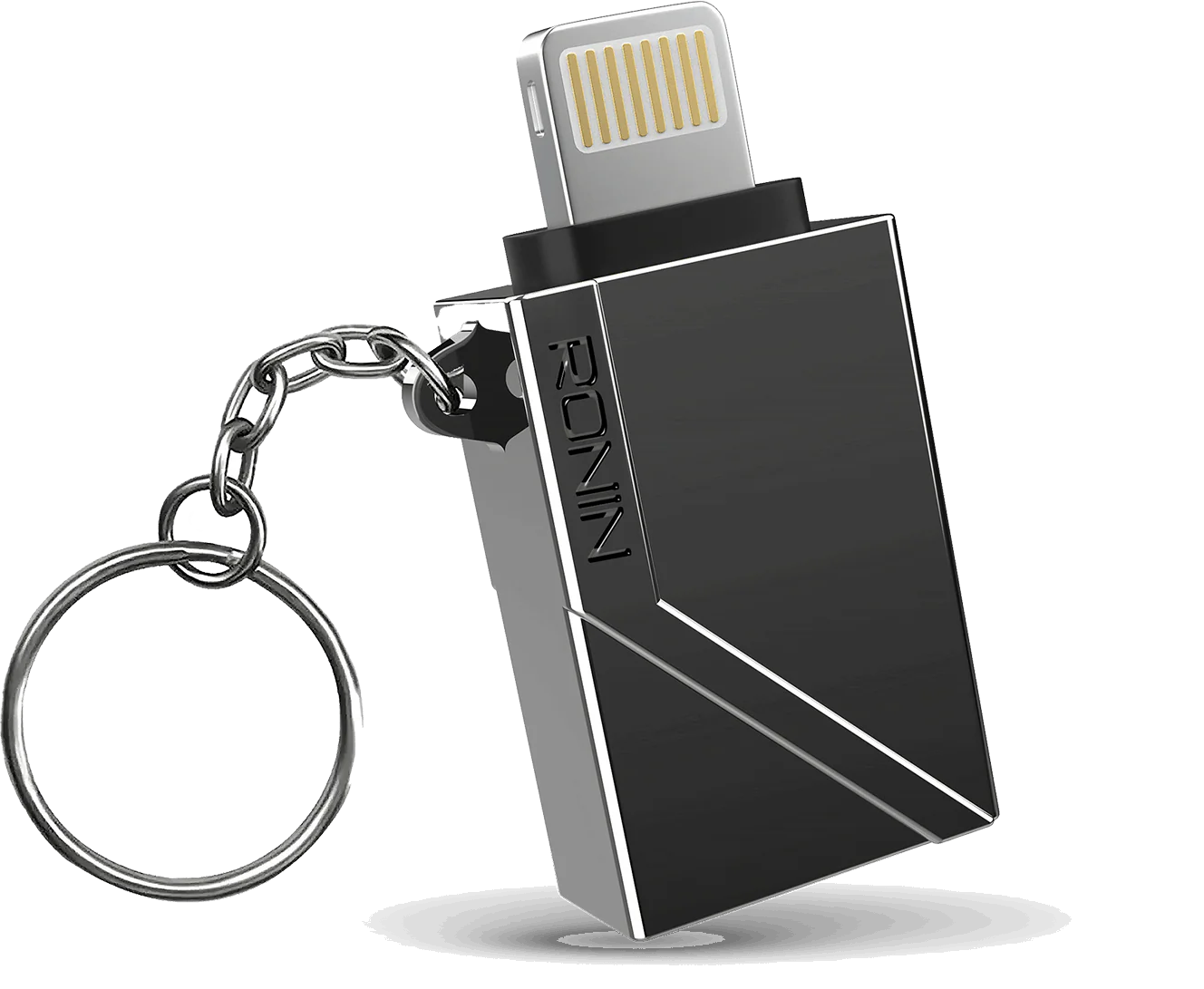
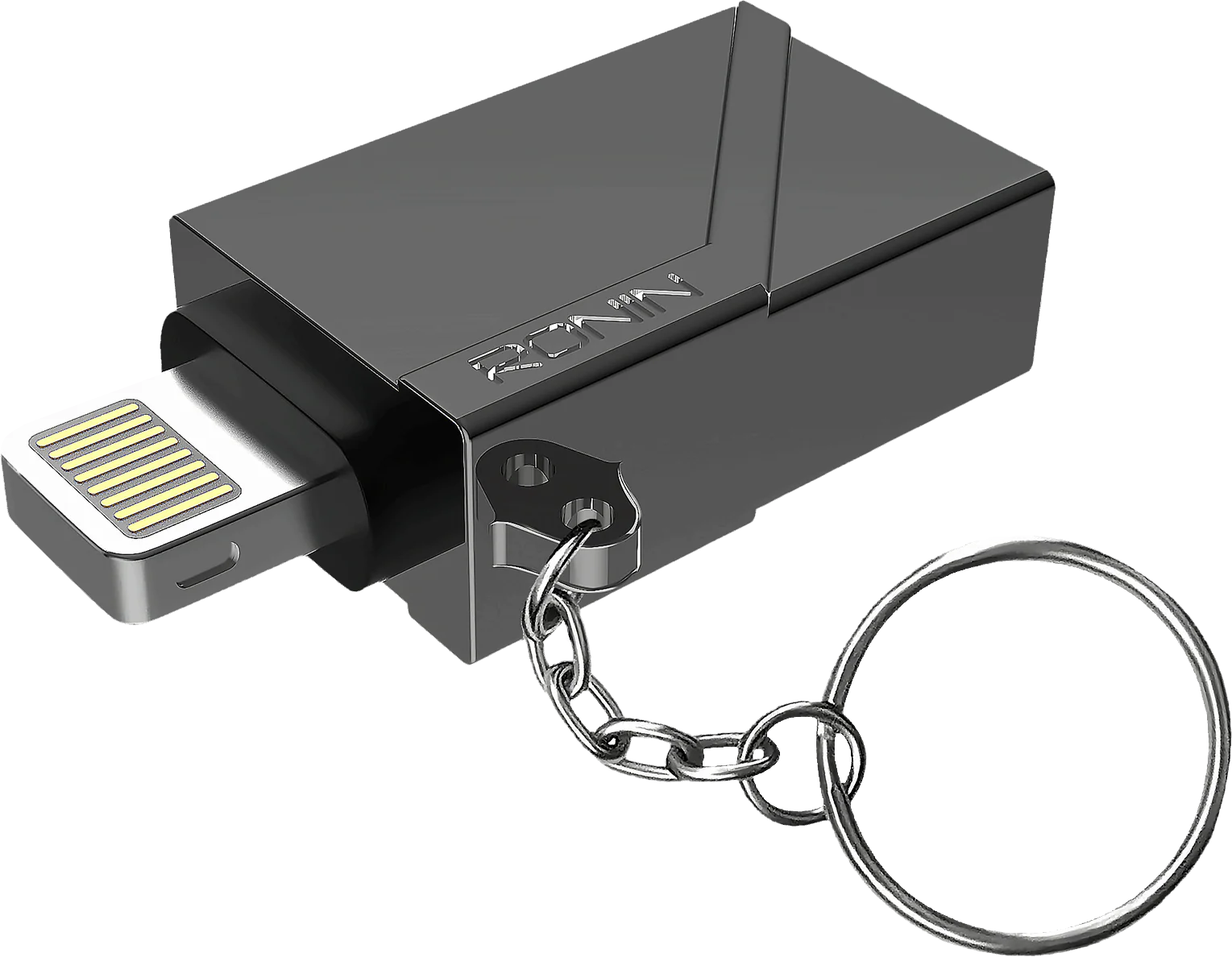
The R-3000 OTG iPhone connector delivers 2.0 USB speed, a metallic body, and fast data sync in one compact adapter.
Key Features
The R-3000 OTG Connector features a sturdy metallic body built for everyday use. It works as a USB 2.0 OTG adapter for iPhone. You can plug in a mouse, a gaming controller, or a camera for quick file transfers. A small chain holder loop lets you attach it to your keys or bag. This connector supports iOS 13 and above.
Compatibility and Alternatives
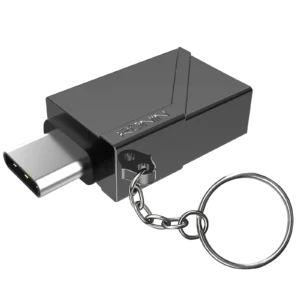
If you need a Type-C version instead, check out our R-3000 OTG (Type-C) connector. For details on iOS device support, see Apple’s official compatibility page.
How to Use It
To install the connector, insert it into your iPhone’s charging port until it clicks into place. Then plug in your mouse, controller, or camera through the adapter’s USB port. The metallic body resists everyday bumps and keeps working reliably over time.
Everyday Use Cases
Photographers often use this adapter to import photos straight from a camera during a shoot. Also, gamers can plug in a wired controller for a more responsive feel than Bluetooth offers. The chain holder loop lets you clip the connector to your keys or bag. This way, it stays within reach whenever you need it.
Why Choose the R-3000 OTG iPhone Connector
Overall, the R-3000 OTG iPhone connector adds simple, durable USB connectivity to your iPhone. It saves you from carrying extra cables or dongles.
Built for Daily Use
The R-3000 OTG Connector works well for daily tasks and travel. It supports quick data transfers between your iPhone and USB devices. The compact design fits easily inside a laptop bag or pocket. Golden Center ships this connector across Pakistan with reliable order tracking.
Frequently Asked Questions
Does this connector work with older iPhone models? Yes, it works with any iPhone running iOS 13 or later. Do you need extra drivers to use it? No, the connector works right after you plug it in.
What’s in the Box
Each package includes one R-3000 OTG Connector with its metallic body and keychain loop. You do not need any extra adapters or extra software. Simply unbox it, plug it in, and start using your iPhone accessories right away.

Reviews
There are no reviews yet.